You’ve written a headline and it seems perfect, precise, apt, with the keyword at the beginning. But then you open Google Search Console and see that it’s cut off in the middle. Or, on the contrary, it’s too short and doesn’t use the available space. Or you’re writing a post for LinkedIn and the platform cuts off the text to “read more” right where the most important part begins.
The problem is not that you write poorly, but that different platforms have different limits, and without a character counter you are working at random. Title for Google - up to 60 characters, meta description - up to 160, tweet - 280, Instagram bio - 150, SMS - 160 characters per message, and each subsequent one costs separately.
Character counter is a tool that counts characters in text in real time. It seems trivial. But the difference between “about that much” and the exact number is the difference between a title that is displayed in full and a title that is cut off at half a word in search results.
A good counter counts not only characters, but also words, sentences, paragraphs, characters with and without spaces, average word length, and estimated reading time. Each of these numbers is needed in different contexts:
the copywriter counts characters for the customer;
An SEO specialist controls the length of meta tags;
SMM checks whether the post fits within the platform limit.
There are enough such tools in 2026. We have selected five — with different emphases and for different tasks.
How we chose the best character counters
The evaluation was carried out according to three important criteria:
Accuracy. Are Cyrillic characters counted correctly, are special characters, line breaks, and emojis handled correctly? Some tools give an error on non-standard characters or count spaces differently, and this is a problem when counting characters.
Additional features. The basic counter counts characters. A good counter also shows the number of words, sentences, paragraphs, characters without spaces, and reading time. Some allow you to set a limit and highlight the excess. For SEO, the built-in meta tag length checker is useful. The more information in one window, the less you need to switch between tools.
Interface and usability. Is registration required? Does the counter update in real time as you type or do you have to press a button every time? Is it convenient to insert large amounts of text? Little things that become important when you use the tool every day.
TOP 5 character counters in 2026
1. Character Counter by HyperHost
HyperHost is a Ukrainian hosting company, and their character counter is available for free as part of a suite of online tools. It’s one of the most user-friendly on the list, not because it’s overloaded with features, but because it’s made with an understanding of real-world scenarios.
The counter works in real time: insert or type text and immediately see updated numbers without having to click anything. It shows characters with and without spaces, the number of words, sentences and paragraphs - all at the same time in one window.
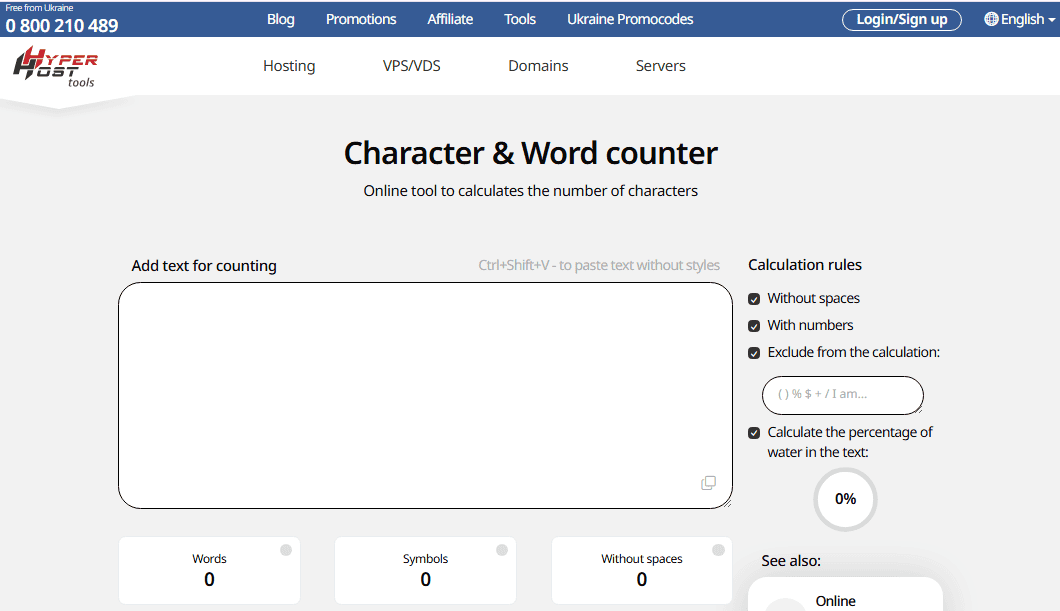
The main thing that sets the tool apart is correct work with Cyrillic text. This sounds like an obvious requirement, but some foreign services give an error on Ukrainian texts or incorrectly process some Cyrillic characters. HyperHost copes with this without any problems, which is fundamentally important for Ukrainian-speaking copywriters and SEO specialists.
No registration or limits on the amount of text. Opened, pasted, saw the result. Well suited for copywriters, SEO specialists and content managers who work with Ukrainian-language content and need accurate calculations without unnecessary steps.
2. CharacterCountOnline
CharacterCountOnline is one of the most famous specialized character counters on the web and is probably the most recommended in specialized communities. The site has been around for a long time, and the interface has hardly changed during that time, which is a compliment in this case, because there is nothing much to change there.
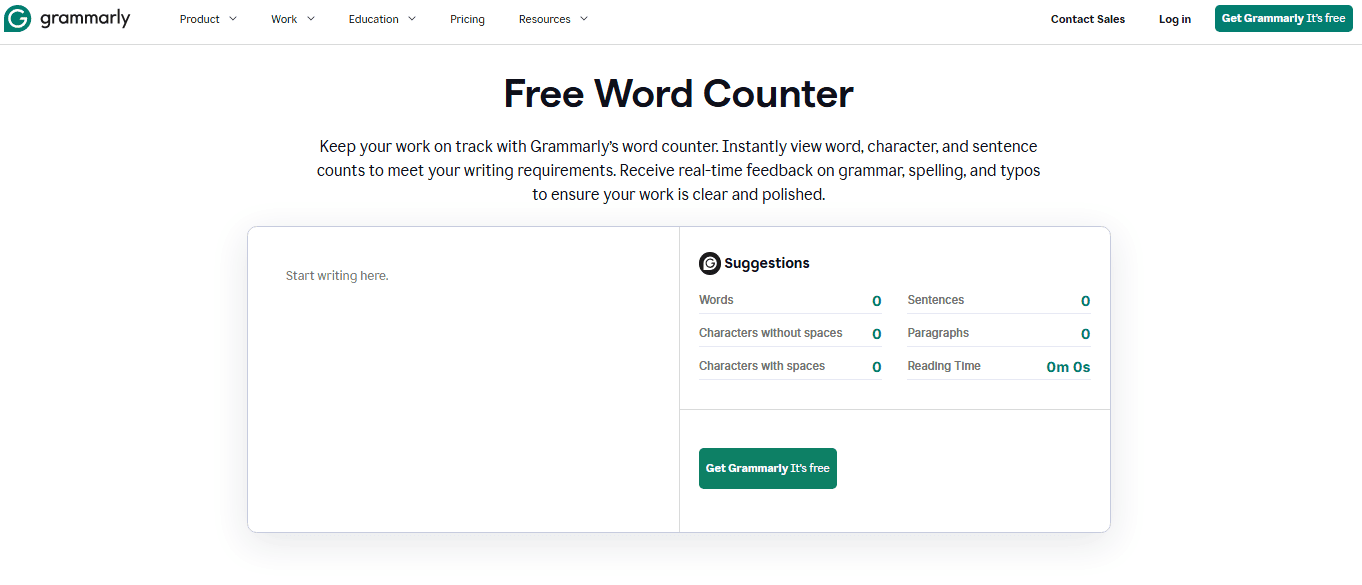
The counter updates in real time and shows characters with spaces, characters without spaces, and word count. There is a useful limit setting feature where you set a maximum number of characters and the counter highlights any that are exceeded. This is handy when you are writing for a specific platform with a known limit.
Supports large amounts of text without noticeable slowdown. The interface is minimalistic with a text field and numbers next to it. There are ads, but they are not aggressive.
The best choice when you need a specialized tool specifically for counting characters and nothing else.
3. WordCounter.net
WordCounter.net is at the other end of the spectrum compared to minimalist tools. Here, the character counter is part of a broader text analyzer, and that's its main advantage.
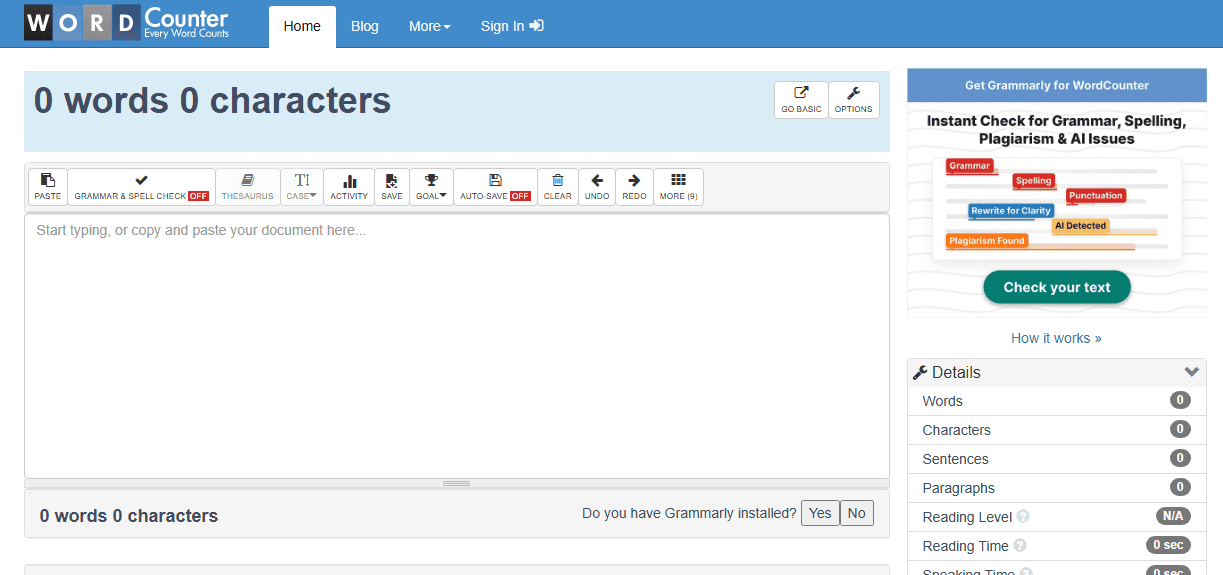
Along with characters and words, the service shows the number of sentences, paragraphs, reading time, and the uniqueness of the most frequent words in the text. This is a kind of basic frequency analytics right in the counter. For a copywriter, this is useful: you can immediately see whether the text is overloaded with one word that is repeated too often.
There is a focus mode in the format of a minimalist editor without distracting elements where the counter is displayed in the corner. Supports loading text files directly, without copying the content manually.
Registration is not required for basic use. The interface is in English but intuitive. A good choice for copywriters who care not only about the length of the text but also about its basic structure and word repetition.
4. LetterCount
LetterCount solves one problem and solves it without unnecessary movements: it counts characters and words in text. The interface loads instantly, the counter updates in real time, and the result appears immediately below the text field.
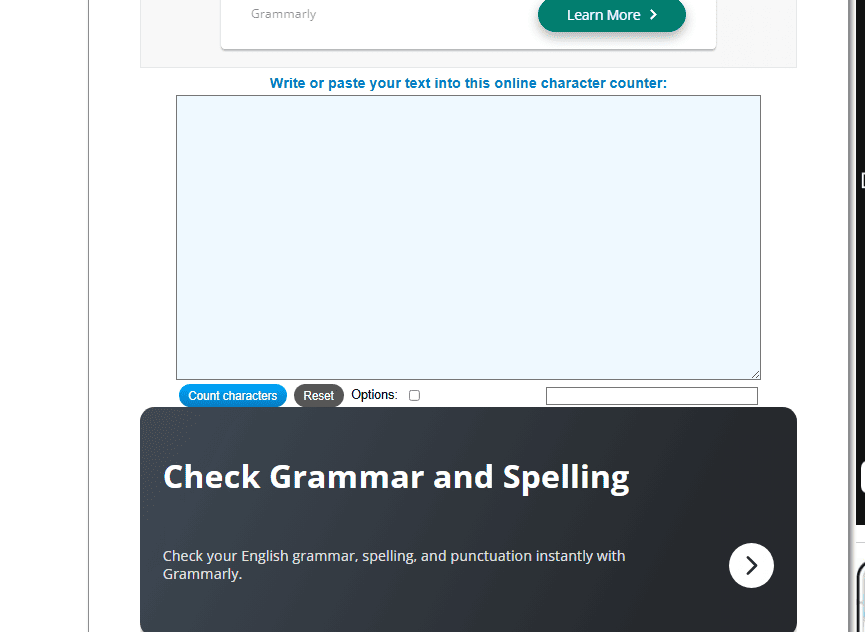
There is a feature that distinguishes it from most simple analogues - the ability to count characters in a specific range of text. Select a part of the text and see how many characters are in the selected fragment. For an editor or proofreader who works with individual blocks of text, this is more convenient than counting the entire document and counting manually.
Advertising is minimal, registration is not required, and there are no restrictions on the amount of text.
Suitable for quick checking without having to understand additional features.
Well suited for those who need a simple and fast tool with the ability to count characters in a selected fragment - without unnecessary interface around.
CountingCharacters
CountingCharacters is a tool focused on social networks and platforms with fixed limits. Next to the counter is a built-in help with current limits for the main platforms — Twitter, Instagram, Facebook, LinkedIn, TikTok, YouTube. Enter text and immediately see not only the number of characters but also how much is left before the limit of a particular platform.
For an SMM manager or content manager who writes for different platforms every day, this is much more convenient than having to memorize all the limits or keep a cheat sheet nearby. Information about limits is updated when platforms change the rules, which happens more often than we would like.
The basic functionality is free and without registration. The interface is in English, clean, without oversaturation with advertising. The counter is updated in real time.
CountingCharacters is definitely the best choice for those who regularly write for specific platforms and want to see the limit and balance immediately in one window without additional steps.
Who to elect in 2026
For working with Ukrainian-language text where precise work with Cyrillic is required without unnecessary steps . Character Counter from HyperHost closes most tasks immediately and without registration.
For those who need a specialized tool just for counting characters with the ability to set a limit, CharacterCountOnline is simple, proven, and doesn't distract with anything unnecessary.
When broader text analytics are important, checking word frequency, structure, and reading time, WordCounter.net provides more information in one window and turns a simple counter into a basic editorial tool.
When you need to count characters in selected fragments and not just in the entire text, LetterCount handles it better than the rest.
For those who write for social networks and want to see platform limits right in the counter, CountingCharacters saves time and eliminates the need to keep a separate cheat sheet.
Characters are the difference between a headline that works and one that gets cut off, between a post that gets read in full and one that hides a “more” button, between an SMS that arrives in one message and one that gets split in two and charges double the amount. Counting characters is not about some ephemeral perfectionism, but about making sure that the text you wrote looks the way you intended, not the way the platform decided.