The site was moved to a new hosting on Friday evening. On Saturday morning, half of the users see the old version, half see the new one, and the technical support doesn't understand why. This doesn't mean that something is broken with you. It's just that DNS hasn't spread around the world yet, and different servers are still giving out different addresses.
Or here's the situation. Corporate mail suddenly stopped arriving. Letters go, but disappear somewhere between the sender and the recipient. Most likely, the reason for such a bug lies in the fact that someone accidentally changed the MX record during technical work and did not check the result. You can see this in a minute, but only if you know where to look.
DNS is the address book of the Internet, and the process of converting the name of your site in the browser to an IP address. As long as everything is configured correctly, this happens imperceptibly in a split second. When something goes wrong, the site does not open, the mail does not arrive, the SSL certificate is not issued. And in nine cases out of ten, the reason lies precisely in DNS.
DNS checker is a tool that queries DNS servers in different parts of the world and shows what records they return right now. Moreover, it displays not what should be according to your settings, but what users in different countries actually see at this moment. The difference between these two things is what you need to monitor after any changes.
There are enough such tools in 2026. We have selected five with different emphases and for different work scenarios.
How we chose the best DNS checker services
It was evaluated according to three criteria:
Speed and convenience. How long does it take to get the result. Is registration required for the basic check? Is the difference between servers clearly displayed (can you immediately see where there are discrepancies, or do you need to compare the lines yourself?).
Record type support. The minimum for everyday work is A, AAAA, MX, TXT, CNAME, NS. But for more complex tasks, SOA, PTR, SRV, CAA, and others are needed. Services that support only basic types are immediately eliminated for technical scenarios.
Checking geography. Checking DNS from one server is not enough. It is important to see what is happening from different parts of the world: Europe, America, Asia, and separately Ukraine, if your audience lives mainly here. Services with a wide geographical grid give a real picture of distribution, not a local slice.
TOP 5 DNS checker services in 2026
1. DNS Checker by HyperHost
HyperHost is a Ukrainian hosting company, and their DNS checker is available for free without registration as part of a set of online tools for webmasters. It is one of the most user-friendly on the list, as it is made with an understanding of what is needed in real work.
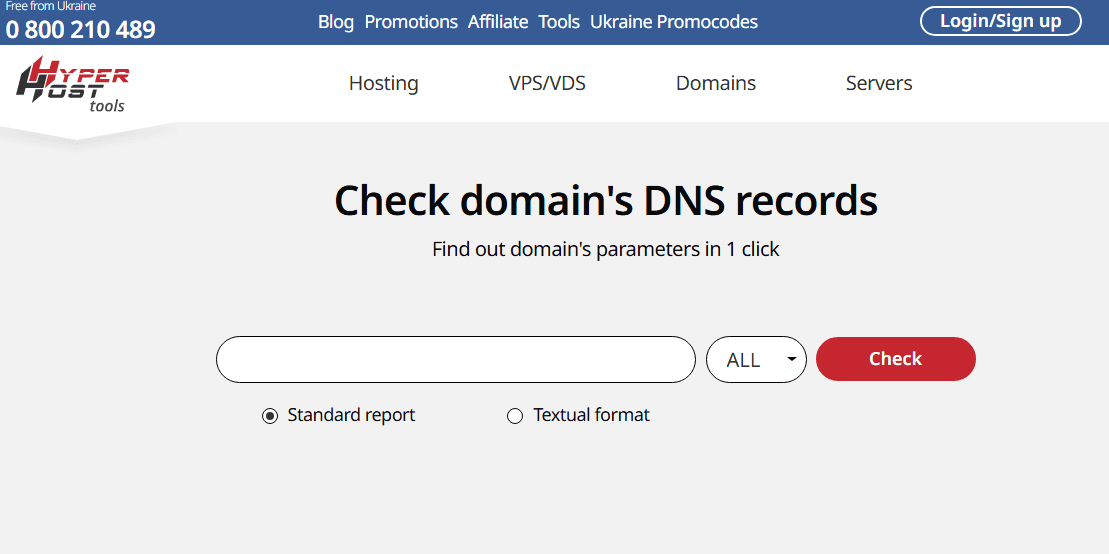
The interface is straightforward. You simply enter the domain, select the record type, and get the result from several servers simultaneously. No registration and limits on basic queries. Opened — checked — understood.
What makes the tool stand out is its correct work with Ukrainian domains and the presence of verification servers on the territory of Ukraine. For most foreign services, Ukraine is either absent from the geographical grid or represented by a single node somewhere on the periphery. If your audience is mainly Ukrainian and it is important for you to know what these users see, then this is a fundamental difference.
All major record types are supported here — A, AAAA, MX, TXT, CNAME, NS. The result is displayed in a clear format, and you can immediately see which servers returned the same result and where there is a discrepancy. For someone checking DNS after a migration or configuration change, this is exactly the information they need without having to interpret the raw data.
Well suited for site owners, administrators, and SEOs who need to quickly check DNS propagation after changes, especially if the audience or infrastructure is located in Ukraine.
2. DNSChecker.org
DNSChecker.org is one of the most well-known public DNS checker tools in the world and is probably the most recommended in the tech community due to its wide geographic coverage and intuitive interface.
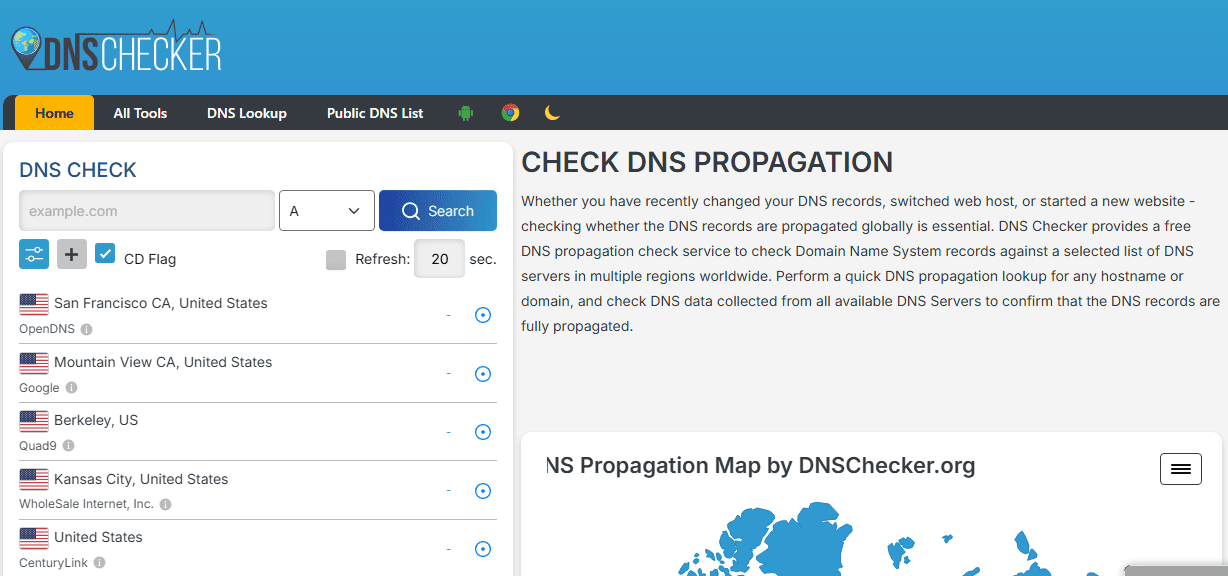
The service checks DNS simultaneously from dozens of servers around the world and displays the results on a map and in a table. You can immediately see where the record has already been updated, and where the old address is still displayed. After a site migration or DNS record change, this is the most visual way to track how the update is distributed.
All major record types are supported. Basic checking is free and no registration is required. The interface is in English, but it is quite clear and you can figure it out in a minute.
However, there is one caveat. Due to the popularity of the service, its operation slows down noticeably during peak hours. This is not significant for a one-time check, but for real-time monitoring during a critical incident, it is better to have a backup option.
The best choice when you need to clearly see the picture of DNS distribution around the world at a glance.
3. WhatsMyDNS
WhatsMyDNS solves exactly one problem and solves it well. It shows what DNS is returning for your domain from different points on the planet right now. No unnecessary features, no interface overload.
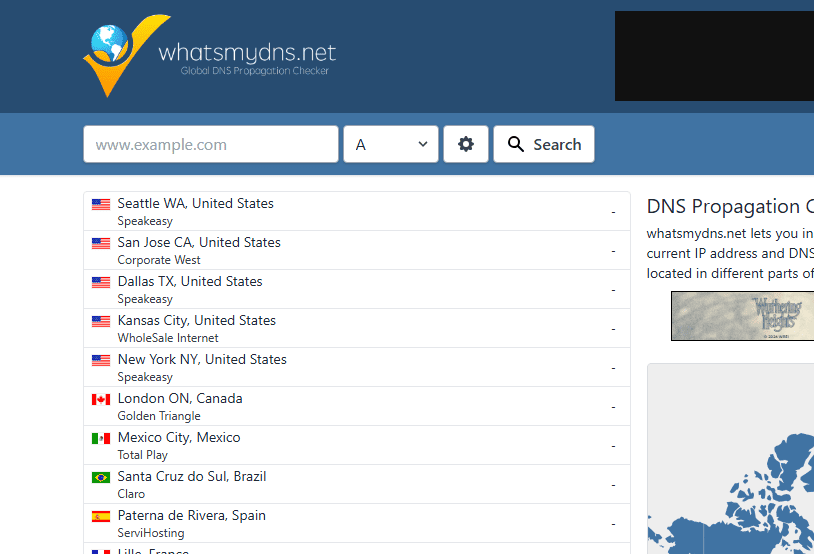
The geographic grid covers over twenty locations on different continents. The result is displayed compactly, listing the servers and what each one returned. If all the lines are the same, then the distribution is complete. If there are discrepancies, you can immediately see where.
It also supports the basic record types: A, AAAA, CNAME, MX, NS, TXT. There are fewer options for more exotic types, as this is a tool for quick checks, not for in-depth technical analysis. No registration is required, and there are no limits on the number of requests for basic use.
Good for a quick check after making DNS changes, when you don't need analytics, but just need to make sure everything propagated correctly.
4. MXToolbox
MXToolbox is a separate category among the tools on the list. While all other services are general DNS checkers, MXToolbox specializes in mail infrastructure. It checks MX records, DKIM, SPF, DMARC — everything that determines whether corporate mail will reach its recipients and not end up in spam. In addition, it checks whether your domain or IP is blacklisted, which is critical for the reputation of the mail server.
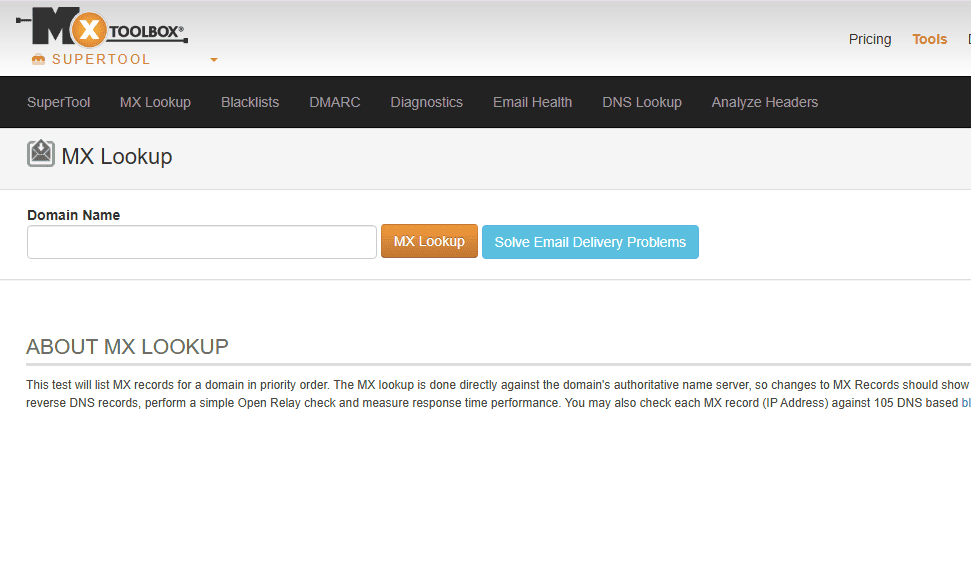
DNS Lookup is also present as a general tool and covers the main types of records. However, this is not the main function of the service, as it is much more powerful in the email context.
The free version covers most basic checks. There are paid plans with monitoring and notifications. The interface is in English, a bit overloaded for a beginner, but quite informative and convenient for a technician.
Indispensable if the problem is related to mail, when letters do not arrive, go to spam, or there is a suspicion that the domain has been blacklisted.
5. Google Admin Toolbox
Google Admin Toolbox is Google's official toolkit for administrators, and Dig (its DNS component) is available for free without registration. It's hard to imagine a more authoritative source in the context of DNS.
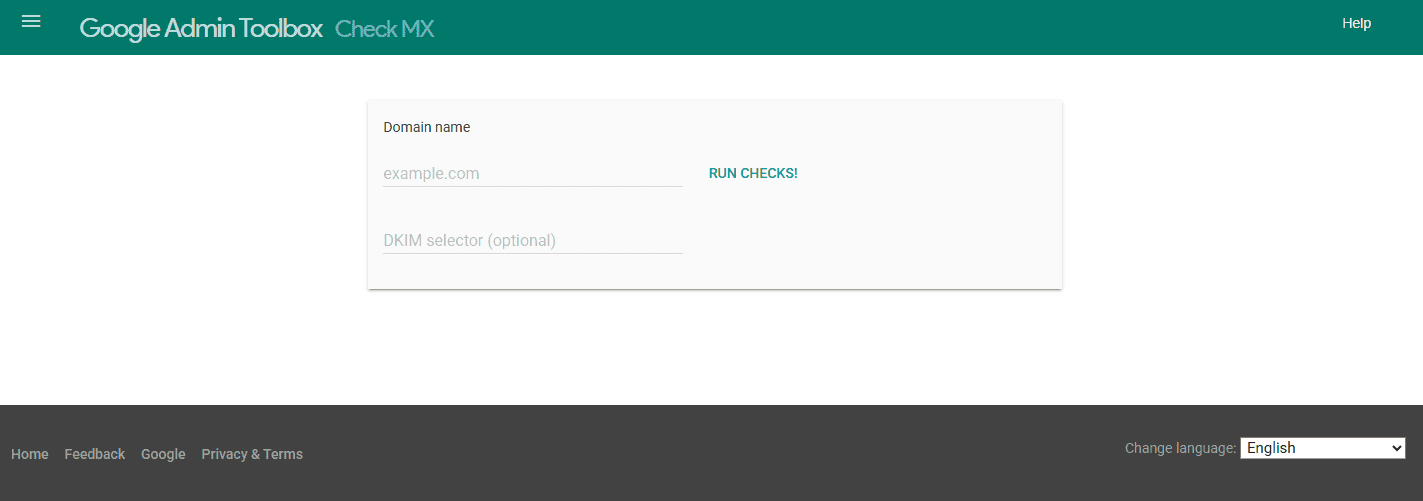
The tool allows you to make detailed DNS queries with a choice of record type and DNS server to contact. The result is displayed in the form of raw DNS responses, similar to what it looks like on the command line when working with dig. For a developer or system administrator, this is a familiar and understandable format. For a person without a technical background, it may look like an unreadable string of data.
There's no geo-checking from multiple locations here, as this is a tool for spot technical queries, not for monitoring distribution. But for diagnosing a specific issue, verifying a record, or checking how Google sees your DNS, this is the first tool you should turn to.
The best choice for developers and system administrators who need an accurate technical view, not a visualization for general understanding.
Who to elect in 2026
If you need a quick check after changes, and especially if the audience or infrastructure is in Ukraine, DNS Checker from HyperHost covers most tasks without registration and unnecessary steps.
If it is important to see the global distribution picture at a glance, DNSChecker.org with its map and wide geographic grid gives the most clear result.
If you need a quick and clean check without an unnecessary interface, WhatsMyDNS will do the job in a minute and will not distract you with anything unnecessary. If the problem is related to mail, emails are not reaching, the domain is blacklisted, SPF or DMARC is configured incorrectly, MXToolbox is a separate tool for a separate task, and here it has no equal.
If you need a precise technical query and it's important to know exactly how Google sees your DNS, Google Admin Toolbox provides the most authoritative answer in the most accurate format.
DNS is an infrastructure that is not noticed while it is working. And they start looking for tools to check it only when something goes wrong. The best strategy is to check after each change, without waiting for users to report that the site does not open or the mail has stopped working. It takes a minute, and eliminating the consequences of an unnoticed error in DNS sometimes takes several hours and nerves that could have been avoided.