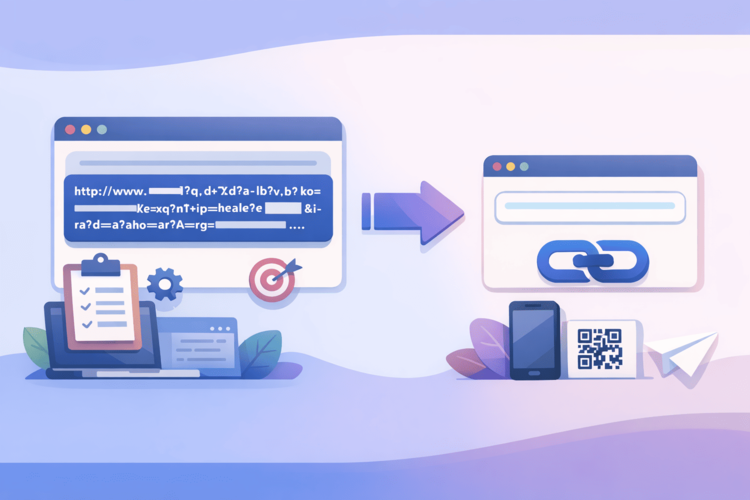
Short links have long become part of everyday Internet. They are convenient, neat and do not break the layout of emails, instant messengers and social networks. That is why we see them everywhere - from support services to friends in chats. But there is a nuance: a short URL tells almost nothing to the user. You do not see the domain, you do not understand where exactly the link leads, and in fact you trust the “black box”
Previously, this was not a problem. Today, one careless click can mean losing your account, access to your mail, or even your peace of mind. That is why the question of how to check a short link has ceased to be paranoid. It is as basic a habit as checking the website address before entering a password.
Why short links don't say anything about the content
A regular URL provides at least minimal context. You see the domain, the country, sometimes even what service it is. A short link takes that away. It looks the same whether it leads to a blog page, a login form, or a file to download.
Technically, a short URL is a redirect. You click, the server receives the request and redirects you. How many times and where exactly - the user does not see. This is where the problem of transparency arises. You do not know what is inside the URL until you navigate. And after the transition it may be too late to analyze anything.
What might actually be hidden behind a short URL?
In most cases, nothing bad happens. But the Internet does not work on the principle of "most people". Short links are convenient not only for businesses, but also for attackers, because they allow you to hide the final address until the moment of clicking.
That's why the same short link can be a regular page today, and a completely different site tomorrow. Some services allow you to change the final destination without changing the URL itself. The user doesn't see this and thinks the link is "verified", although in fact he checked something completely different.
Typical risks of going without verification
One click without verification is not always a problem, but the risk is always there. Most often it does not look like anything dramatic. The page may look familiar, have a logo and the right colors. This is why many attacks work not because of complex technical tricks, but because of trust.
The most common scenarios:
phishing pages that imitate banks, mail or social networks;
chains of redirects that mask the real domain;
automatic file uploads under the guise of documents;
tracking to collect user data.
This doesn't mean that every short link is dangerous. But it does mean that it's better to know how to find out where a link leads before you click, rather than after.
How to check short links correctly
The first and most important step is to take your time. If the link came unexpectedly or looks strange, a few seconds of pause will reduce the risk. The second step is to try to see the final address without going through. This is where verification services help.
A good tool allows you to paste in a URL and see where it leads, how many redirects are used, and whether the domain looks suspicious. This is an easy way to verify a short link without putting yourself at any unnecessary risk.
The easiest way to find out what's inside a URL
For everyday use, services that don't require you to delve into technical details are best. You don't need complex reports or dozens of parameters. You need an answer to one question: is it worth going there?
This is exactly the approach that Surli uses. It allows you to quickly open a short URL, see the final address, and understand whether it looks safe. This is convenient for checking links from instant messengers, emails, or social networks when you need to make a decision quickly.
A useful habit that really works
Today, a safe internet is not about complex tools, but about simple actions that are repeated every day. Checking links before clicking, looking at the domain, not entering passwords after switching from emails - these are all little things, but they are what make for a peaceful surfing experience.
Short links will not disappear. They are convenient and necessary. But along with them, the habit of asking a simple question should be formed: what is inside the URL and do I want to go there? And answering it before clicking.