Imagine the scene: someone writes an unfamiliar name to you on Telegram, drops a short link and writes "urgent, take a look." Or in a work chat someone drops surl.li/abcdef without any explanation. Or you see a QR code on a pole in the city with the inscription "90% discount." What does the average person do? That's right - they press. Because it's interesting. Because it might really be a discount. Because a colleague dropped it, so it's normal.
And what happens next is a lottery. Sometimes it’s a real discount. Sometimes it’s a phishing site that looks like your bank. Sometimes it’s an automatic download of something unpleasant. Sometimes it’s just collecting data about you: IP, device, geolocation.
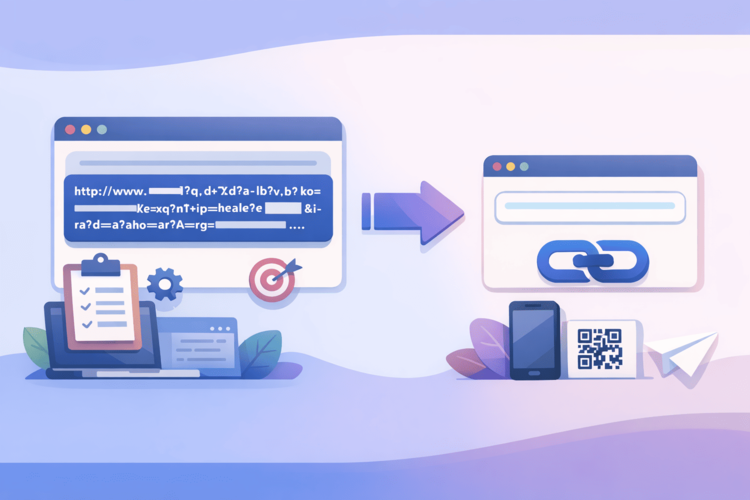
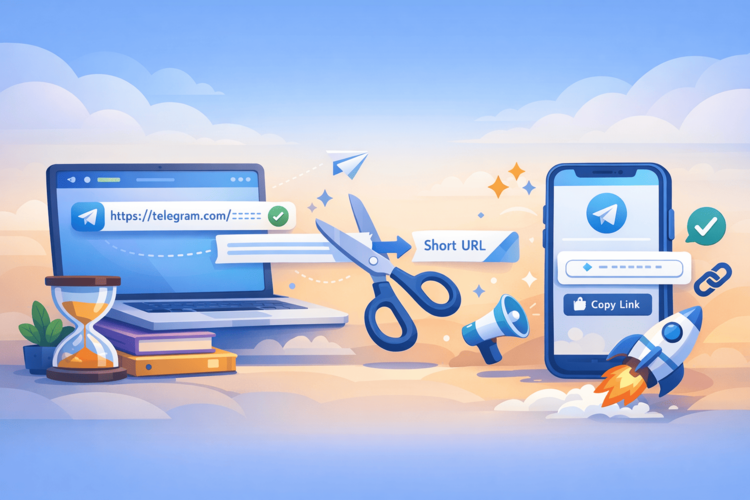
A short link, by its very nature, hides the final URL. This is both its main advantage (compactness, convenience) and its main vulnerability (no one knows where it leads). But there is good news: checking a link before clicking is much easier than it seems. And it literally takes a minute.
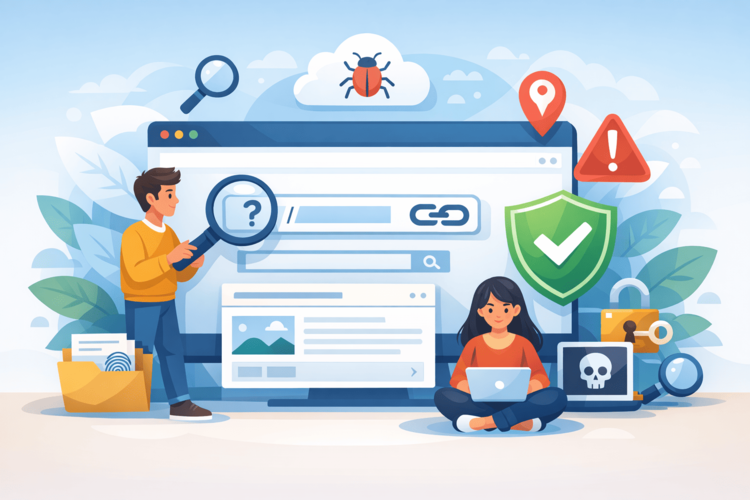
Why are short links dangerous at all?
First, a little theory to understand what we are dealing with:
A regular link is transparent. You see the domain, you see the path, you understand roughly where you will end up. https://privatbank.ua/login is clear, but https://privat-bank-login.ru/secure is already suspicious, and most people will feel it.
The short link is opaque. https://surl.li/abcdef says nothing about the final URL. It could be the official Privatbank website, or it could be an exact copy of it on a domain from Russia. The only difference between them is where the redirect is set. And you don't know that without checking.
This is exactly what attackers are using. Phishing campaigns, spam emails, malware – all of these actively use shortened links to bypass filters and reduce suspicion. A person sees a neat short link, not a terrible long URL with a suspicious domain – and loses vigilance.
Method 1: Expand links before navigating
The easiest and most obvious method is to look at where a link leads before you go there. There are a few ways to do this:
Bitly plus trick. If you see a link from Bitly (bit.ly/xxxxx format), add + to the end of the URL and open it in a browser. For example, bit.ly/3xKm9pQ+. Instead of a redirect, you will see a statistics page with the final URL.
Online deployment services. There are special tools where you insert a short link and get the final URL without going through the process. One of them is https://surl.li/en/check-short-url . Insert a suspicious link, click check – and see where it leads, even before the browser has made a single redirect. Convenient, fast, and you don’t need to install anything.
Hover in the browser. If the link is on the page as clickable text, simply hover your mouse over it and the actual URL will appear in the lower left corner of the browser. However, this method is not suitable for mobile.
Method 2: Check the final domain
You’ve expanded the link and seen the final URL – but don’t stop there. Now you need to evaluate the domain itself. What to look for:
Similarity to a well-known brand with minor changes. privatbank.ua is real, and privat-bank.ua, privatbannk.com, privatbank-secure.xyz are most likely phishing. This is called typosquatting: a domain similar to a well-known one is registered and people are lured there.
Unusual top-level domain. If your bank or service has always been on .ua or .com, and the link leads to .ru, .xyz, .tk, .ml – you should be wary. Free top-level domains are widely used for one-time phishing sites.
No HTTPS. In 2026, any legitimate site that collects any data will use HTTPS. If the link leads to http:// without the S, that’s a reason to close the tab.
Unclear URL structure. A real banking site doesn't look like secure-login.verification-id-12345.com/privatbank/auth. Legitimate sites have a clean, understandable URL structure.
Method 3: Use URL Reputation Checker
If you want to not just see the final URL, but also check if it is known to be malicious at all – there are tools for checking reputation:
Google Safe Browsing. Built into Chrome and most modern browsers. If a site is known to be phishing or contains malware, the browser will display a warning. But this is a reactive measure, because Google does not learn about a dangerous site instantly.
VirusTotal. A free service where you can paste a URL and have it checked against 70+ antivirus databases simultaneously. Shows if any of them have noticed a problem. Especially useful for links that have just appeared and haven't yet been added to Google Safe Browsing.
Whois and domain check. If the domain was registered a week ago, this is a strong alarm signal. Phishing sites do not last long, they are quickly blocked, so attackers register new ones. You can check the domain registration date through any whois service.
Method 4: Sandbox – open links in isolation
Sometimes you need to open a link, but you want to do it safely. For this, there are so-called "sandboxes" - isolated environments where the site loads without access to your device.
Incognito mode is minimal protection. It does not save cookies and session data, but it does not protect against malicious code at all.
Browser sandboxes. Services like Browserling or Any.run allow you to open a URL in a remote browser and see what happens – without risking your device. You see the page on your screen, but the real interaction happens on their servers.
A separate device or VM. If you are in security or testing, it makes sense to keep a separate virtual machine or old phone exclusively for opening suspicious links.
For the average user, sandboxing is a bit paranoid. But if you received a link from an unknown source and it concerns finances, passwords, or personal information, it's better to be safe than sorry.
Red flags: when you definitely shouldn't push
There are situations where no verification is needed – the link simply shouldn't be opened at all:
Unknown sender + short link without context. If a person you don't trust or don't know at all sends a bare link without explanation, the likelihood that it's something useful for you is close to zero.
Pressure and urgency. “Urgent!”, “only today,” “your account will be blocked” are classic manipulative triggers. Legitimate services don’t behave like that.
An unexpected prize or win. You didn't sign up for any contest, but you "won an iPhone"? This isn't a coincidence, it's social engineering.
SMS links from a “bank” or “delivery service.” Real banks send SMS from official numbers and never ask you to click on a link to enter your password or card details. Delivery services may send tracking links, but if you didn’t order anything, it’s not your package.
What to do if you have already moved
Well, sometimes the hand clicks faster than the brain thinks. There's no need to panic, but action is needed:
If the page asks for input, do not enter anything and close the tab. Simply opening the page is usually not critical; the danger begins with entering data or downloading files.
If you download something, do not open the file. Run an antivirus scan immediately, or if you don't have one, download the free version of Malwarebytes and scan.
If you entered a password, immediately change it on the service that the site was masquerading as. If the same password is used elsewhere, change it everywhere. That's why unique passwords for each service are not paranoia, but a necessity.
If you entered your card details, call your bank and block the card. It's better to reissue a card and go a few days without it than to spend months trying to get a refund.
How link shortening services are fighting this
Responsible link shortening services understand that their platform can be used not only by honest marketers. That is why normal services – and Surli is among them – have their own moderation and link checking for maliciousness. Links that lead to known phishing or malicious sites are blocked at the platform level.
But this does not mean that you can completely shift the responsibility to the service. New malicious sites appear constantly, and there is always a window between the moment they are created and the moment they are blocked. Therefore, your own vigilance and checking via https://surl.li/en/check-short-url is not excessive paranoia, but a smart habit.
Summary: The Two-Second Rule
Checking a short link before clicking takes no more than two seconds – if you know what to do. Paste it into the checker, see the final URL, evaluate the domain with your eyes. That's it.
It's not difficult and doesn't require any technical knowledge. It just requires a habit – the same as checking the sender before opening an email attachment. We've all learned not to open unfamiliar attachments. It's time to learn not to click on opaque links without at least minimal verification.
Because one click in the wrong place can cost much more than those two seconds you wanted to save.